This week, I’ve been engrossed in reading literature after literature about agrivoltaics because I want to explore the topic for my research this year. And it’s not just the reading that I’ve been busy with these days. I’ve also been working on a system that would enable me to efficiently scour the web without getting overwhelmed by too much information or disappointed with the lack of it.
Here are my go-to apps (not an exhaustive list) to make my research work more systematic:
1. ResearchRabbit
So what does it do?
ResearchRabbit goes down the rabbit hole for you. It helps you find and discover articles relevant to your research. Once you have made a collection of papers, it has a function that allows you to find the connection between the papers in your collection.
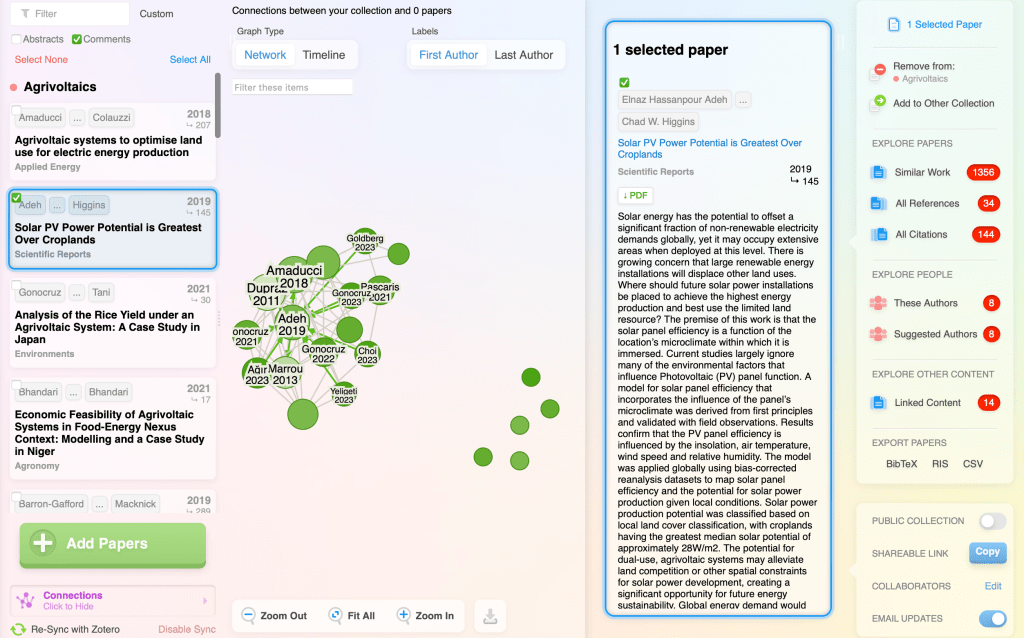
It also allows you to explore more papers similar to the ones you already have in your collection, including linked content, without having to go through a web search wondering what keywords/keyphrases to use next.
Its search engine is powered by PubMed for biomedical & life sciences papers and Semantic Scholar for all subject areas.
Then, you can seamlessly sync it with Zotero, making reference management efficient.
And it’s also free for researchers forever! So what’s not to like about it?
I’ve also explored another search engine tailored for researchers called consensus. Like ResearchRabbit, it helps you discover relevant articles using Semantic Scholar. It uses AI to synthesize papers (called snapshot) which provides you research highlights and a co-pilot which enables you to chat with the research paper. However, unlike ResearchRabbit, you have to pay to maximize its features like snapshot and co-pilot.
2. Zotero
Zotero is a reference manager that allows you to “collect, organize, annotate, cite, and share research” in one place.
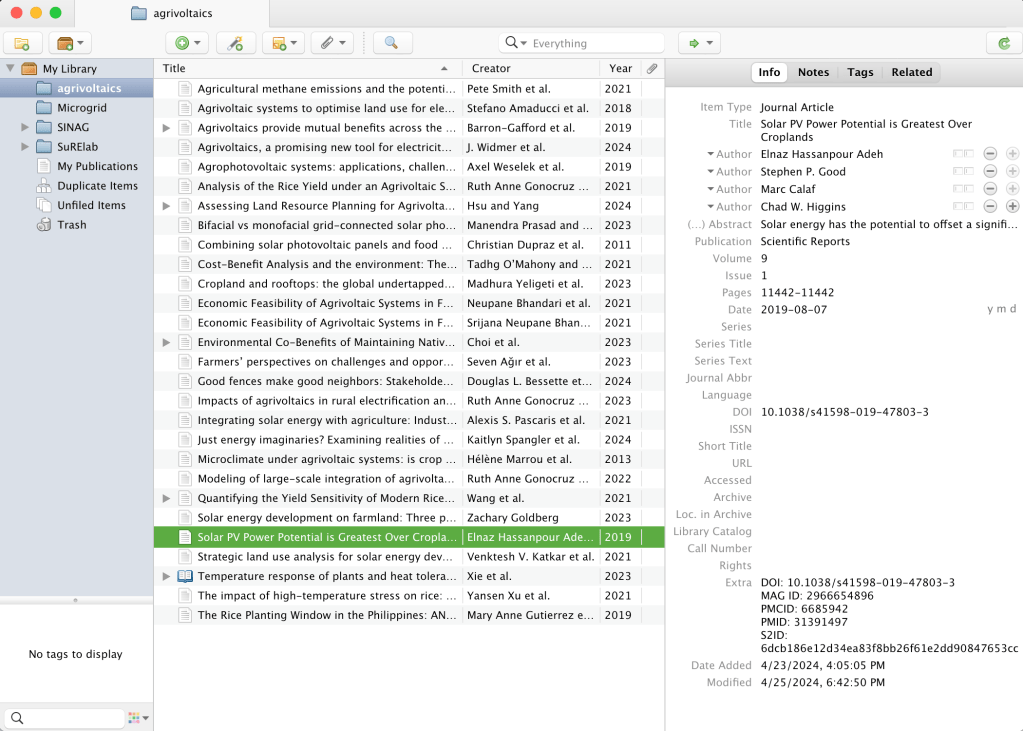
Its plugin works seamlessly with Microsoft Word and Google Docs, enabling you to focus more on the writing and less on fussing about citations and references.
And didn’t I say it’s free?
It’s free to download and available for Mac, Windows, Linux, and iOS
3. Notion
Ever since my friend told me about Notion, I have been hooked (until today). I have been using it for all my project management work (past and present), and it’s so powerful that I don’t think I have maximized all of its features.
It’s so good that it made my wedding planning so manageable I can’t imagine how I would keep track of things without it.
So, what do I use Notion now for? I use it to plan my research outline, where I type in my thoughts, organize my research ideas with link attachments, and track my progress.
 jessa
jessa 